Product Image Translator

Add your product artwork

Translate labels, size charts and product listing photos. Check units and model numbers before exporting the PNG.

JPG, PNG, WebP · 10 MB each · 5 credits per image

Campaign poster · French to English

One coffee poster,
two languages.

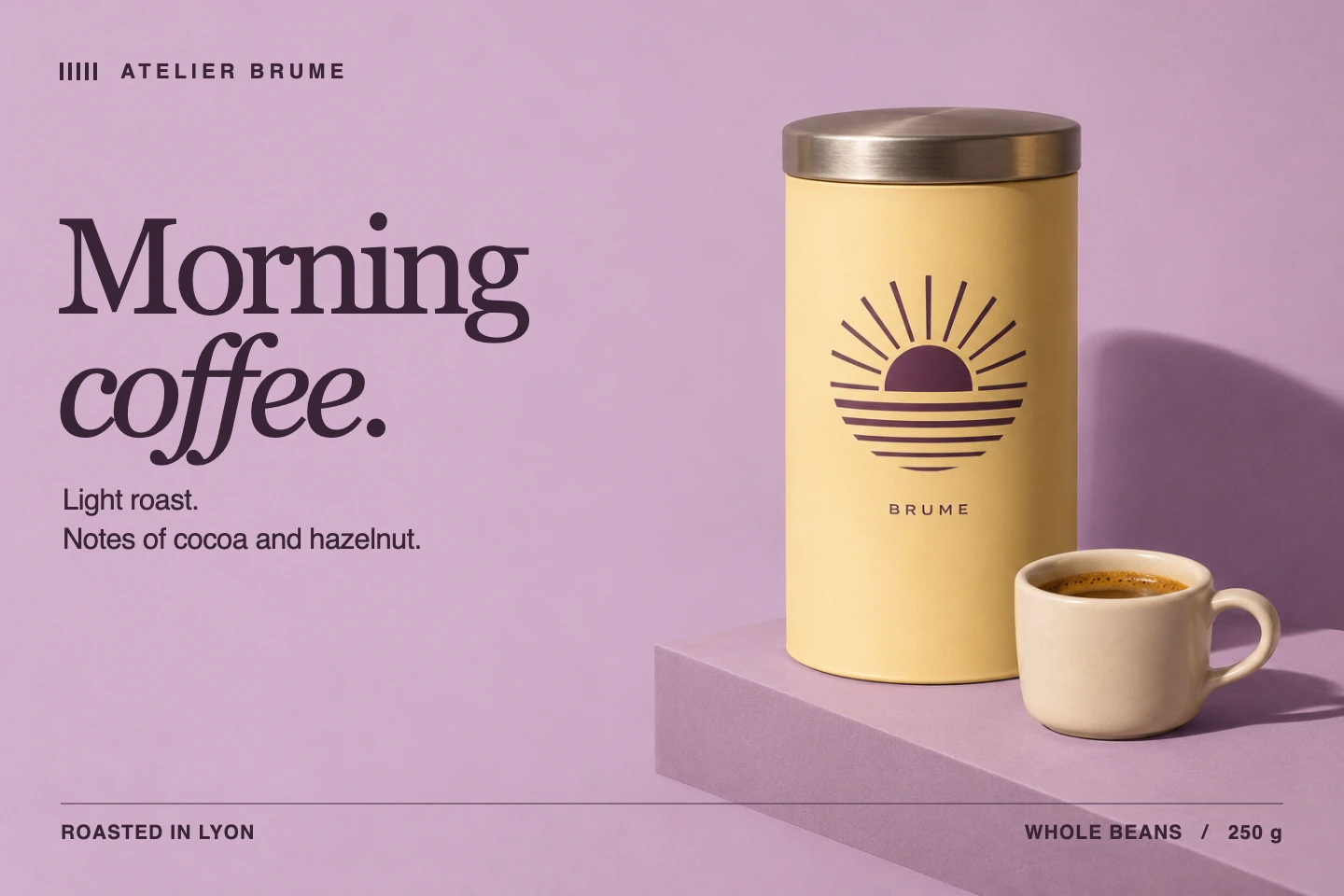
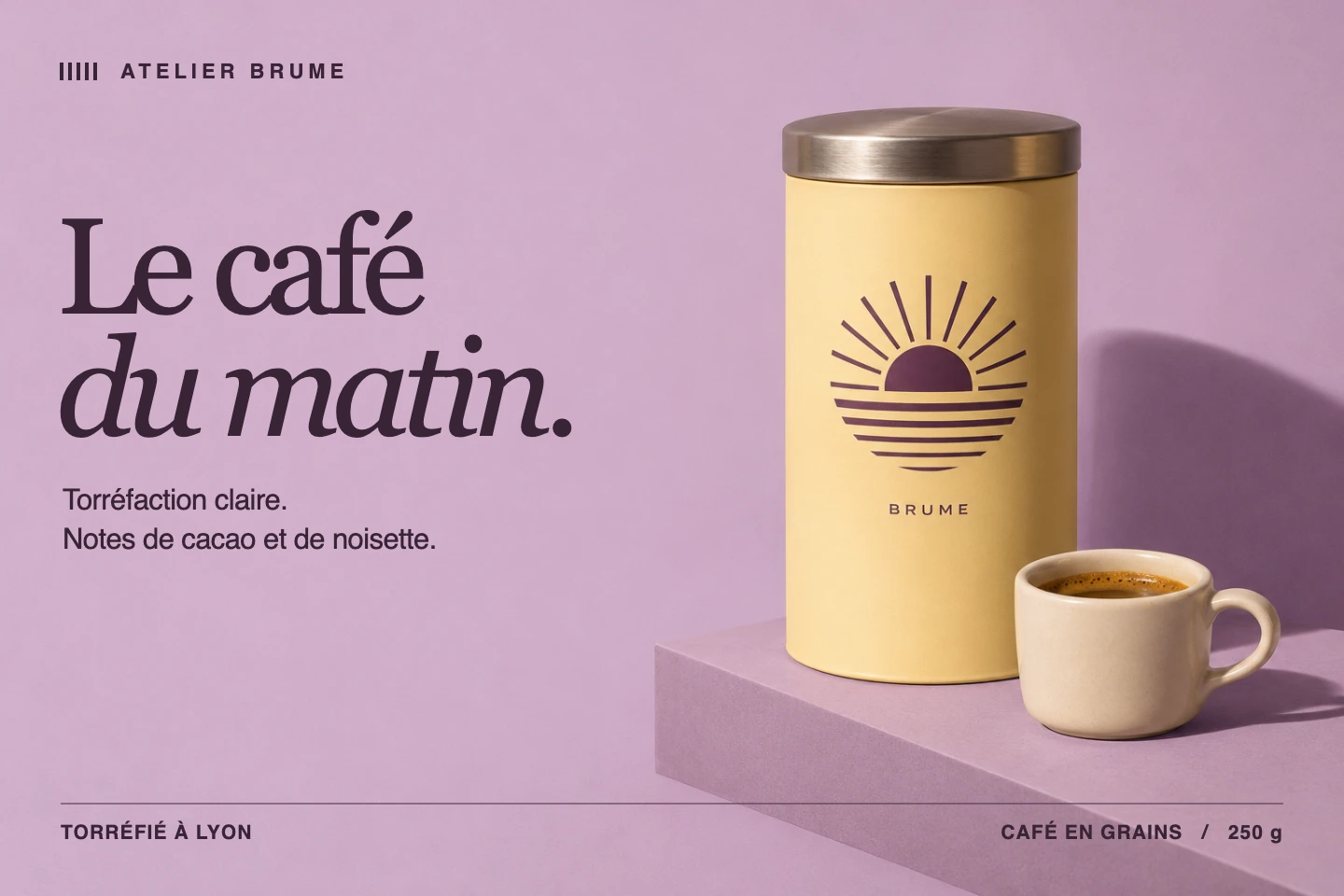
Use the product image translator to read the French coffee ad in English. Slide across the tin to check the roast name, then compare the tasting notes underneath.
Brume coffee poster translated into English
Brume coffee poster in French
Original · FrenchEnglish · Translated

How to use the product image translator

  1. Start with the artwork

    Drop in a finished poster, paste a screenshot or open a direct image URL. Use the largest clear export you have so the fine print is legible.

  2. Set the language

    Choose the language your customers read. Leave the source on Auto detect or select it yourself. Sign in and translate the image or the whole set.

  3. Read it in context

    Slide between the original and translation. Check that the headline fits, the offer reads correctly and each callout still points to the right product.

Which listing images should I translate first?

Your launch task
Translate first
Start with the image that answers “What am I buying?” Translate the feature graphic or size chart that explains the difference between two models.
Reuse across listings
A clean product photograph with no lettering can go into every language version as it is.

From a bottle label to a listing

Follow one product through two pieces of artwork. A bottle gives the words a tiny curved surface. A detail sheet gives them rows, columns and instructions.

Botanical skincare translated into English
Botanical skincare in Japanese
Original · JapaneseEnglish · Translated

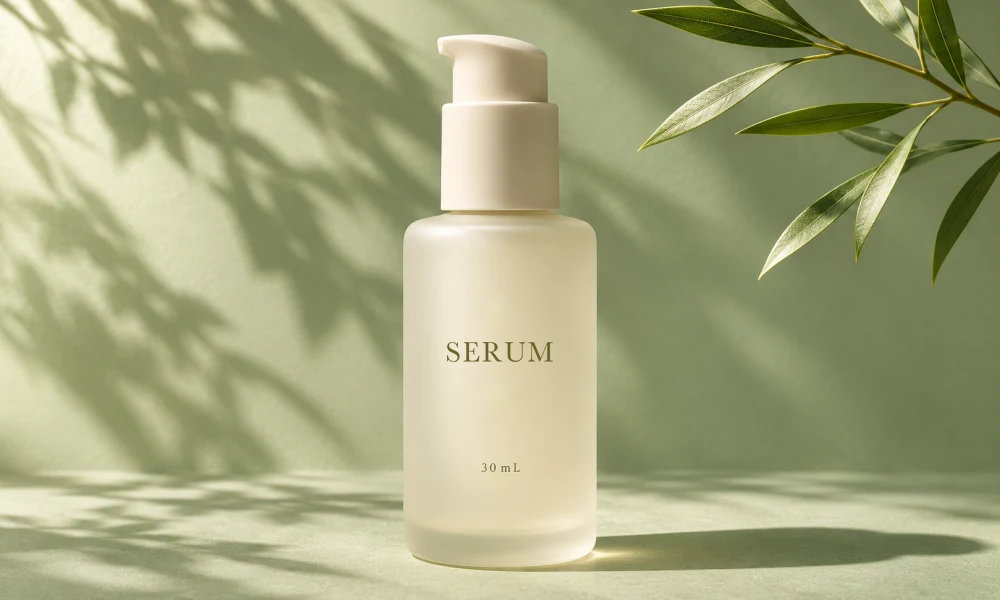
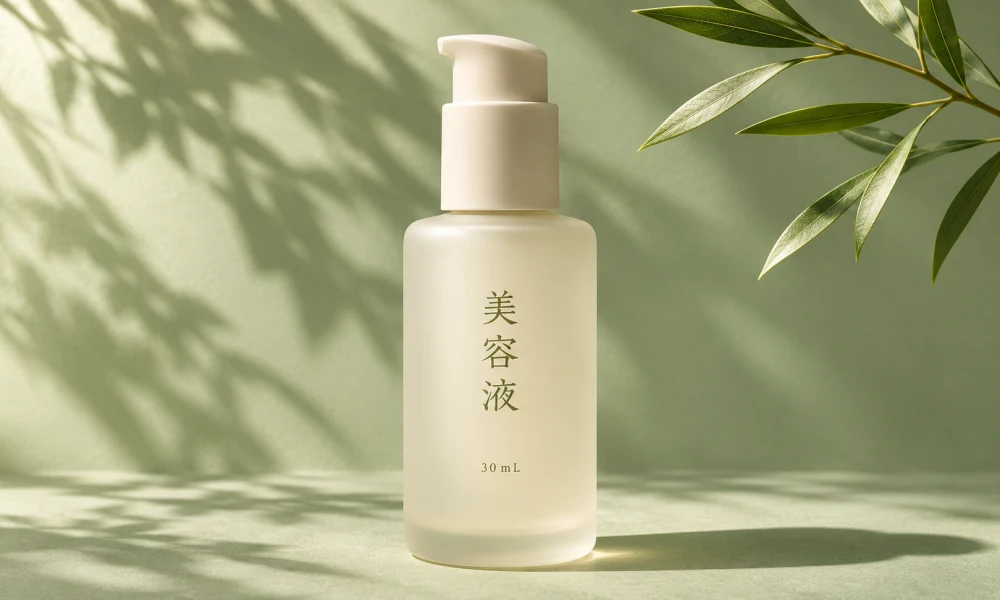
On the bottle

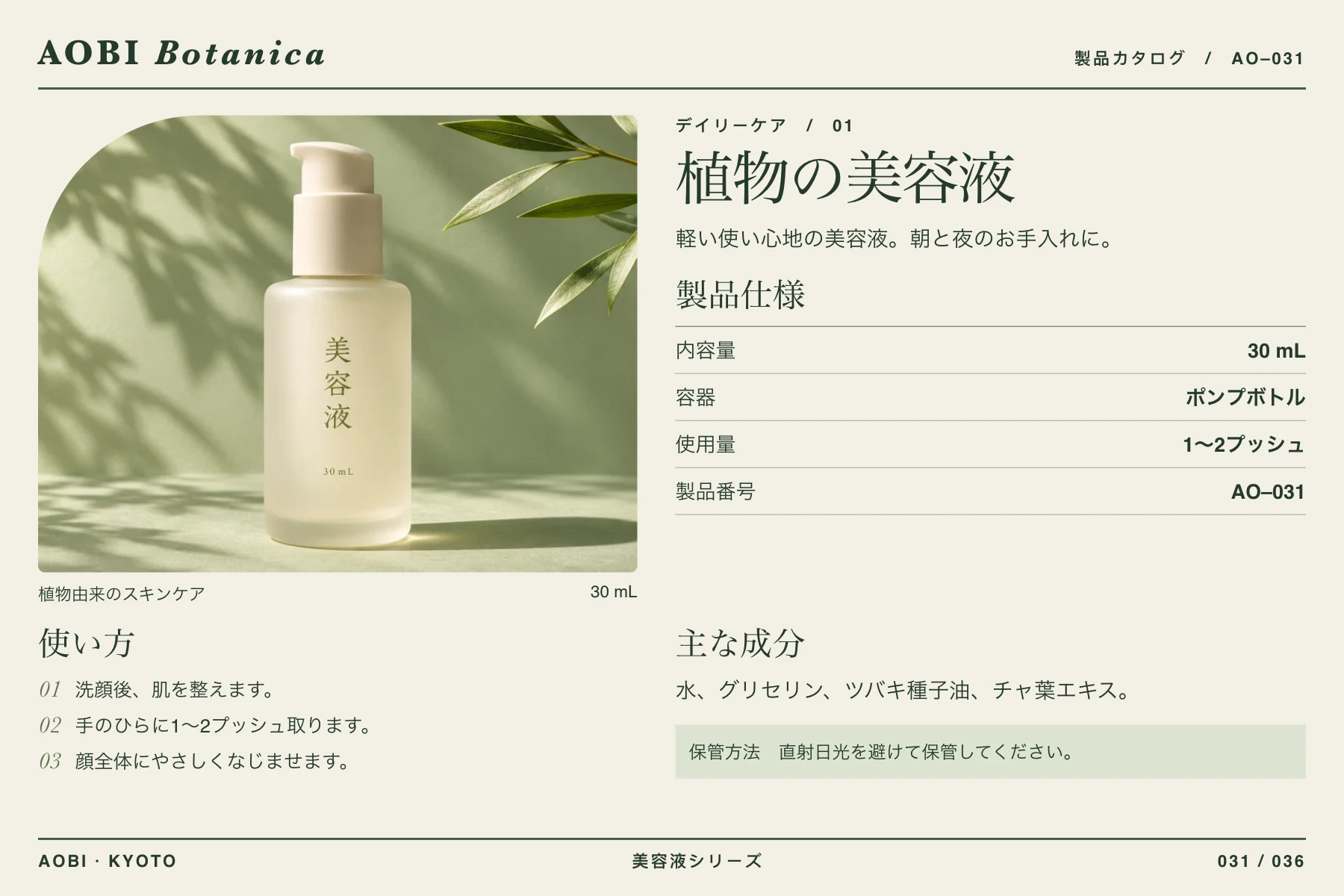
On this 30 mL bottle, three vertical characters become one horizontal word. Slide over the label to see how “Serum” sits between the pump and the volume mark.
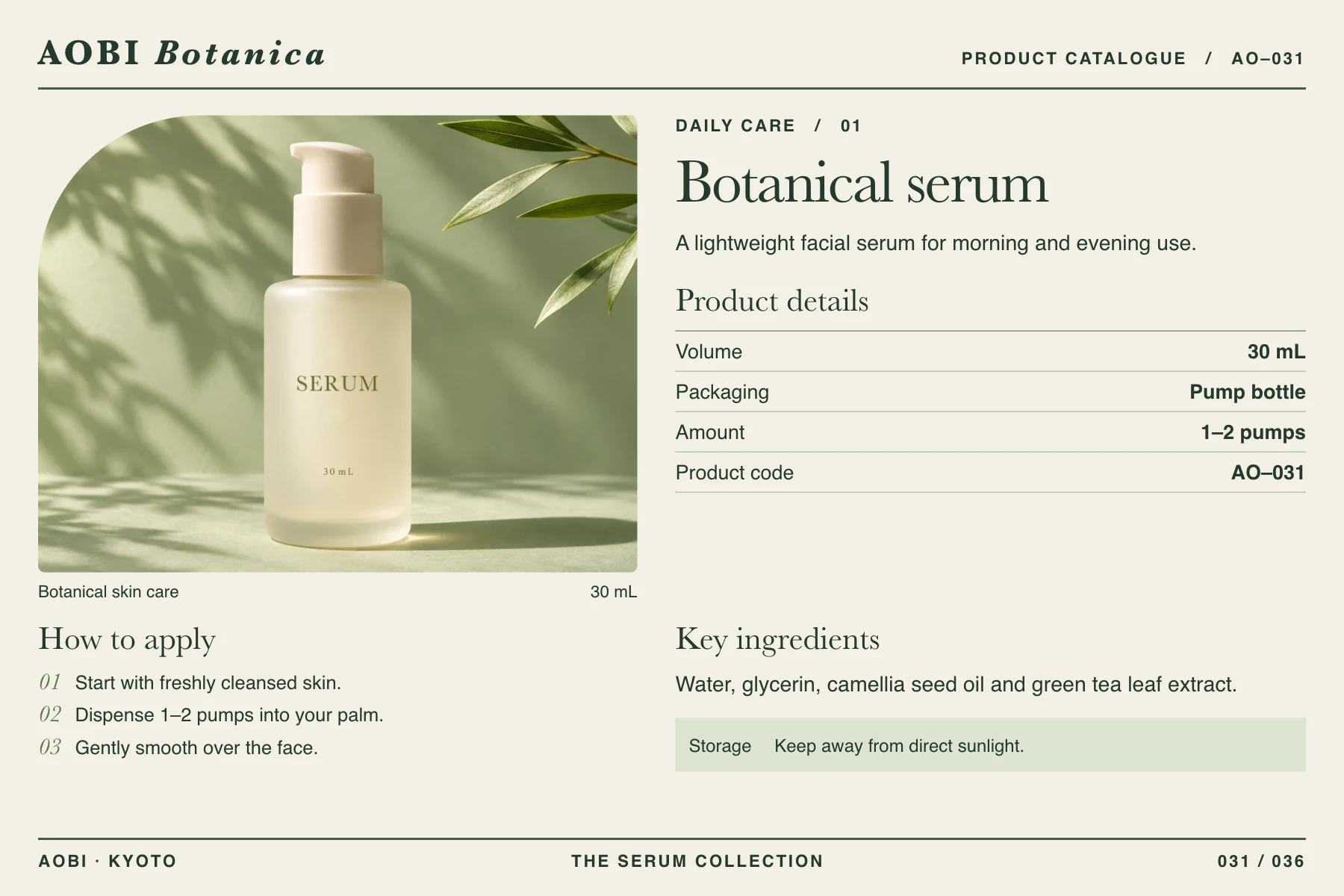
Aobi botanical serum translated into English
Aobi botanical serum in Japanese
Original · JapaneseEnglish · Translated

On the product page

The same serum has a different job on a listing. Match the 1–2 pump dose to its row, then find the three application steps beneath the photograph.

Where should I split a long detail page?

Use the section breaks in your design file. Select a part of this serum sheet to see which words and values belong in the same image.

Highlight part of the product sheet
Serum sheet with the product photo at left, specifications at upper right and directions and ingredients below
Specifications. Keep the heading and both columns in one crop. The 30 mL value describes the volume, while 1–2 pumps describes how much to use.

Will a translated product label fit?

Try the coffee label in another language. A short phrase can grow, shrink or change script inside the same space on a package.

Whole beans

Keep brand terms consistent across a range

Each image is translated separately. Give the reviewer a short term sheet alongside the artwork. Here’s one for the Brume coffee launch.

French and English terms for the Brume coffee campaign
French sourceEnglish wording
Atelier BrumeAtelier BrumeMatch the spelling on the tin across the entire range.
Torréfié à LyonRoasted in LyonLyon is the roasting location. A claim about where the beans grew would change the meaning.
Notes de cacao et de noisetteNotes of cocoa and hazelnutKeep “notes of” so shoppers read this as a tasting description.
Café en grainsWhole beansUse the same format name on the poster, the shelf label and the listing.

Check a translated product listing before publication

Open Compare and read the artwork once as a shopper, then again against the source. These three checks catch different mistakes.

Brand & variant
Read the brand, model code and shade name letter by letter. A single changed digit can point a shopper to a different SKU.
Offer & quantity
Compare the price, currency, net weight and any conditions. “Up to 30% off” makes a different promise from “30% off”.
Type & placement
View it at storefront size. Look at the last word in each line and follow each callout back to the feature it describes.

What went wrong with this image?

Start with the symptom you can see on the canvas.

A word disappears in a reflection

Open the original at full size. If the glare crosses the letters, use a straight-on photo in diffuse light or the flat label design, then translate that file.

The wrong size is beside a variant

Check whether a crop separated the size from its column heading. Export the complete row and its headings together. Compare each value with the SKU sheet.

One image in a batch is still pending

Select that thumbnail and read its status. If Check translation appears, use it to resume the existing request. Finished images are available to review while you wait.

The image is ready but saving failed

Use Download image on the open canvas to keep the PNG before closing the page. My Works only lists successfully saved pairs.

How many credits will this launch use?

Count a shared care guide once and a shade-specific label for each variant. Estimate the cost of translating the set into your chosen languages.

Used across the entire range

Distinct sizes, shades or models

Specific to each variant

One batch per language

Estimated credits

70

7 distinct images × 2 languages × 5 credits

View credit options

Hand off a whole campaign

Group a poster, a pack shot and a detail sheet on the canvas. Translate the set into one language, then review each finished image in the filmstrip.

One PNG per image

Download a single result on the canvas or select the set in My Works for a ZIP. One image in one language uses 5 credits.

Who can see my supplier artwork?

When you preview
A file selected from your device opens in your browser. You can inspect the artwork and choose a language before sending it for translation.
When you translate
ImgLingo stores the original and gives its image address to the translation service. Anyone with a direct storage link can view that image.
When you return
My Works shows your newest images first. Use Next to find earlier product artwork and download approved files for your archive.

Frequently asked questions

All topics

Preparing artwork

4 questions
Which file should I take from my design tool?

Export the finished artboard as a JPG, PNG or WebP. Include the edges of the poster and all the copy you want translated. You can use a flattened image even if you no longer have the design file.

How big can a product image be?

Each image can be up to 10 MB and 24 megapixels. If your export exceeds either limit, reduce its dimensions and check that the smallest line is still readable.

Can I open an image from a store listing?

Use Open image URL with the direct address of the image file. If the store only provides a product page or blocks access from another site, save the image and upload it.

Can I paste a screenshot of a poster?

Yes. Copy the image, then paste it onto the canvas. Crop out browser controls first and keep the headline, product and offer in the frame.

Posters & packaging

4 questions
Which parts of a product listing image can I translate?

The product image translator replaces readable feature callouts, packaging text and offer conditions where they appear in the image. Check that each translated callout still points to the correct product feature.

Can it read words printed directly on a bottle?

Yes, when the lettering is clear. For a curved bottle, photograph the label straight on in soft light. Upload a second view if part of a sentence wraps around the back.

What happens to a logo, SKU or model number?

The translator is asked to preserve logos, brand names and identifiers. Compare the exact letters, hyphens and digits against your original before handing the image to a retailer.

Can the product image translator handle size and comparison charts?

Yes. Include the column headings and product names with the rows. Check that each translated feature and measurement still belongs to the correct variant.

Languages & markets

4 questions
Which target languages can I choose?

The canvas offers English, Chinese (Simplified), Chinese (Traditional), Japanese, French, German, Spanish, Italian, Korean, Portuguese, Arabic, Bengali, Hindi, Indonesian, Russian, Thai, Turkish, Vietnamese. Choose the language your customers will read before starting the translation.

What if the label and headline use different languages?

Leave the source on Auto detect so the translator can read each region. Check both the large headline and the smaller package copy in the result.

How do I make versions for two markets?

Choose the first target, translate and download it. Select the next target and translate the original artwork again. This avoids carrying a wording error from one translated version into another.

Will it convert prices or measurements for the market?

Prices, currency symbols and measurements are treated as product facts. If a local sale price or package size changes, update the source artwork with those approved values before translating.

Reviewing the result

4 questions
How can I compare the tiny text?

Choose Compare and zoom in on the part you need. Slide the divider across one line at a time. Original and Translated each give you an unobstructed view of the whole image.

What if a translated headline is longer?

The translator can adjust line breaks and type size to fit the existing area. Check whether the last word crowds an edge or overlaps the product silhouette. Use your design file for final typesetting if needed.

Can I change one word or move a label on the canvas?

The download is a flattened image. For a precise wording or position change, edit the PNG in your image editor or update the original artwork and translate it again.

What should I check in an offer or product claim?

Read the whole phrase in context. Words such as “up to”, “from” or “when used with” qualify the promise. Check that the translation keeps the same condition and that the small print still fits.

Working in batches

4 questions
Can I translate a whole set of listing images?

Upload the set, choose a shared target language and use the batch button. Switch between thumbnails in the filmstrip to review each image as it finishes.

Should I split a long product detail page?

Split at natural section breaks if the text becomes too small. Keep a callout and the product it points to together, and include each table’s headings above its values.

How can I keep terms consistent across several posters?

Each image is translated separately. Keep a short list of approved product names and recurring terms, then check those words across the finished images before you publish.

How many credits does a campaign use?

One image into one language uses 5 credits. Three posters in two languages use 30 credits. The batch button shows its cost, and new accounts receive 25 welcome credits.

Downloads & storage

4 questions
What file do I get for my store?

Download image saves a PNG of the translated artwork. Check the image at the size it will appear in your listing, then place it in your store or ad editor.

Can I download the original as well?

Open a saved item in My Works. Its preview has separate buttons for the original and the translation, including when you are comparing the two.

How do I hand off several finished images?

In My Works, select the translations you need and choose Download selected. The ZIP contains a translated PNG for each selected item.

Can I try an example before uploading a private design?

Yes. Explore the prepared comparisons or load a sample without signing in. Running a translation requires an account and sends the image to the translation service. Saved results are available in My Works.

Open the product image translator

The canvas is ready for a poster or a set of listing images in English.

Use the product image translator for packaging and listing artwork. Compare the translated size, model number, quantity and ingredients with the original. For a promotional variant, also review the offer terms and call to action.